← Posts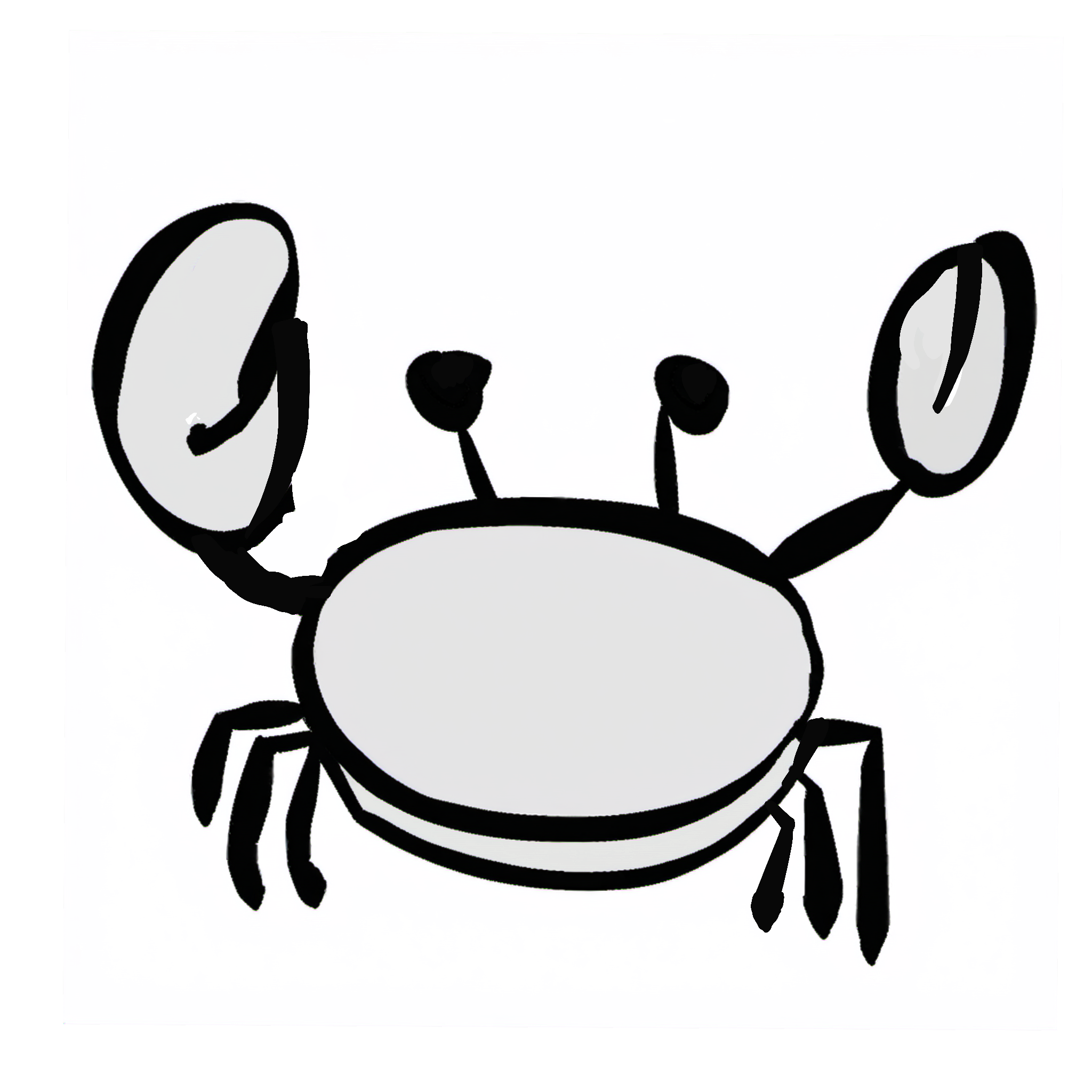
Making Doodles Walk: Auto-Segmentation and Procedural Animation
Making Doodles Walk: Auto-Segmentation and Procedural Animation
After a few training cycles and fine-tuning, our LoRA is generating assets that look at home in our world. The next problem, is learning to make them move.
The Problem
To a game engine, a sprite is just colored pixels. There's no concept of "the left leg" or "the head." To humans, we see a cute little elephant, with legs and a trunk. The engine sees a PNG.
Simple animations work fine as a single unit. Subtle breathing, squashing and stretching, spinning. Depending on the sprite, this reads well enough when the art is already simple enough. But when a walk cycle needs the legs to do different things than the body, you need to cut the sprite into parts.
Doing It by Hand
Manual segmentation doesn't scale. Every new character is more time masking limbs. Every revision means redoing the masks. There had to be a better way to speed things up.
Enter SAM2
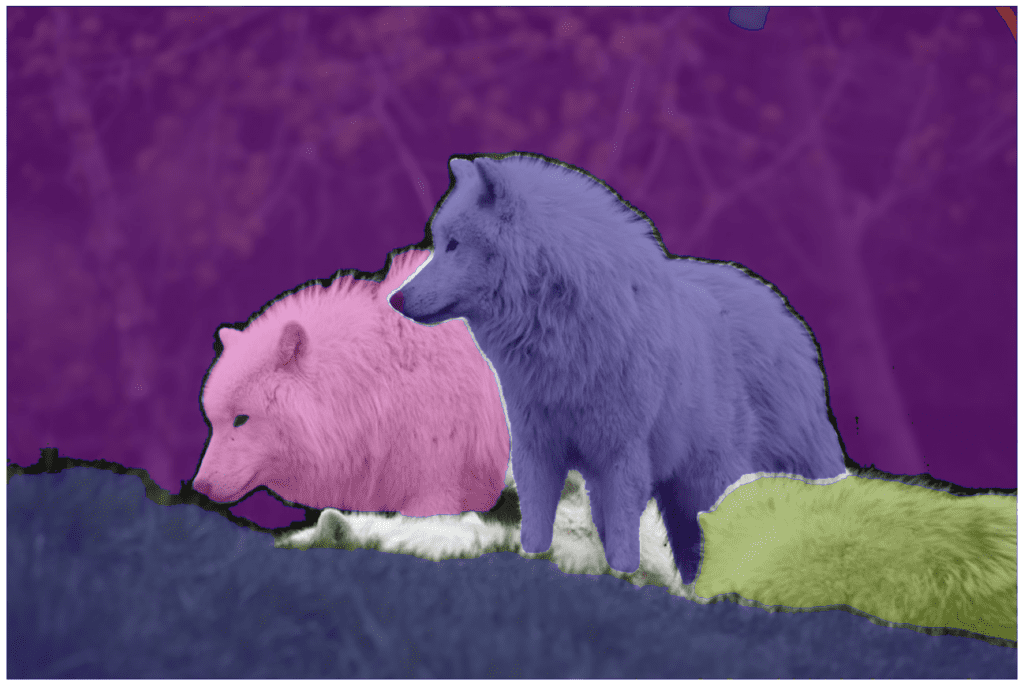
SAM2 (Meta's Segment Anything Model 2) helps with automatic segmentation of our doodles. Click on the head, get a mask. Click on the leg, get another mask.
SAM2 is great at segmenting photographs; things with texture gradients and distinct outlines. Our doodles have none of that. Three tones, single subject, no shadows. The model has to reason about shape alone.
Auto mode would identify the background, the body, and then make increasingly creative decisions. Spots would become eyes, claws would be split into multiple parts, and we'd end up with 20+ segments for our simple sprite.
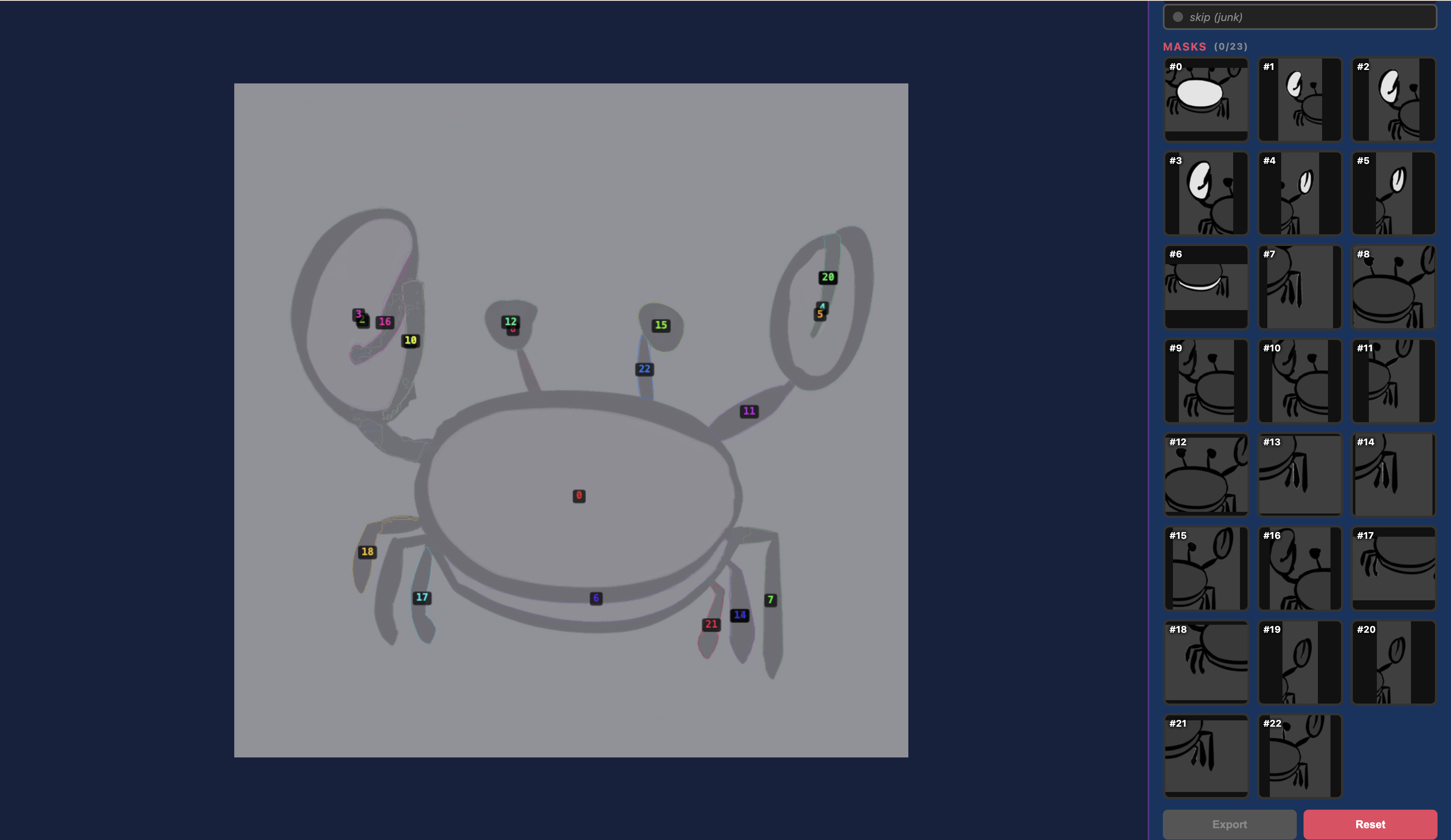
So, how can we try to improve?
The Pipeline
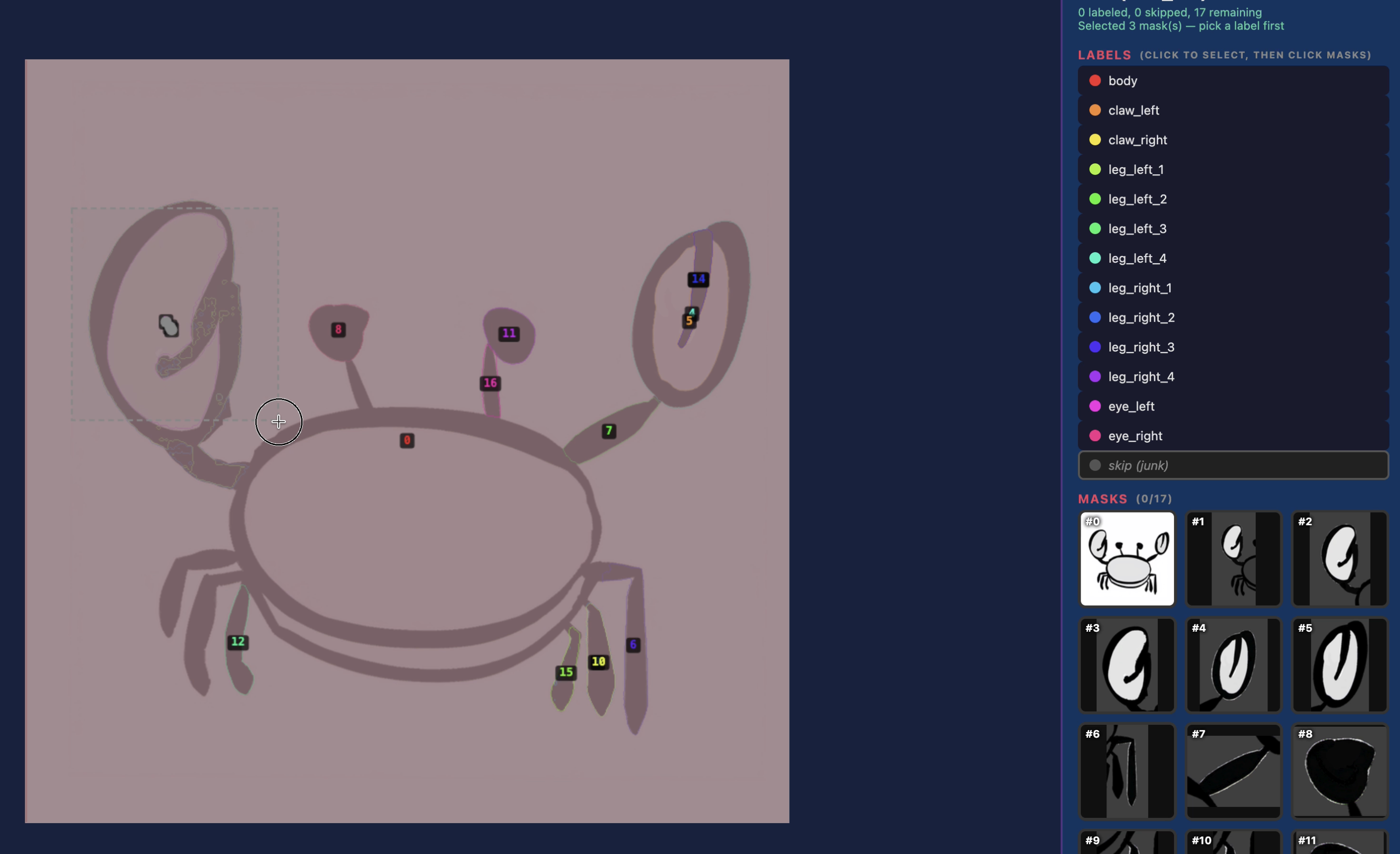
I wrapped SAM2 in a batch pipeline with a web-based labeling GUI. SAM2 runs auto-segmentation on each sprite, then a heuristic classifier takes a first pass at labeling the parts based on relative position and shape. Quadrupeds get one set of rules, bipeds get another, insects another. The classifier is wrong often enough that I still need to review it, but does a good enough job where I often need to simply relabel a few segments.
The GUI lets me pull up each creature's masks, see what the classifier decided, fix the ones it got wrong, and export. We can also trigger resegmenting with adjusted config for some animals that might fall outside our rules.
Animation
Traditional 2D animation means skeletons, bones, pivot points. I looked at that path and decided I didn't want it.
Instead the scene generator takes each labeled part and drops it into Godot as a Sprite2D node with an animation hint. walk_oscillate for legs, idle_sway for tails, blink for eyes, flap for wings. A procedural animator reads those hints at runtime and applies sine based movement. Legs swing when the creature walks, tails sway on their own, eyes blink on a random timer.
No skeletons, no pivot points. The animation is all procedural. It works because the art style is simple enough that a leg swinging from its top edge reads fine.
Where It Landed
Our sprites go in, animated characters come out. Ready to use in game. Simpler creatures like clams, barnacles, and snakes still don't segemnt well and are avoided.